



Scopri gli errori più frequenti nella scrittura delle Storie Sociali e come evitarli. Guida pratica per autismo, ADHD, scuola e regolazione emotiva.

Scopri come scrivere storie sociali efficaci per bambini autistici e ADHD: struttura, linguaggio, esempi pratici, errori da evitare e strategie evidence-based.
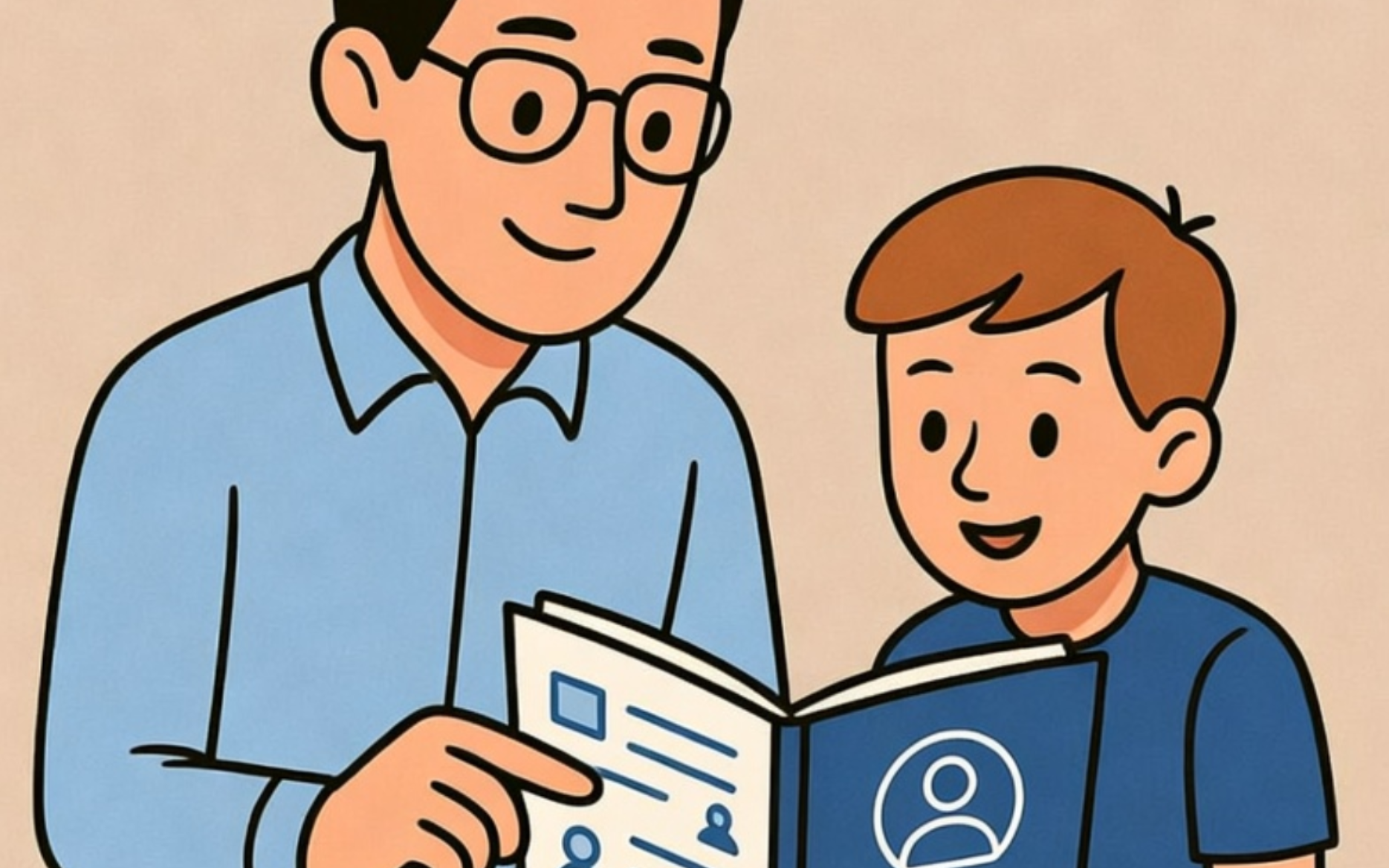
Scopri cosa sono davvero le storie sociali, perché aiutano bambini autistici e ADHD e come creare narrazioni efficaci per ridurre ansia e incertezza.
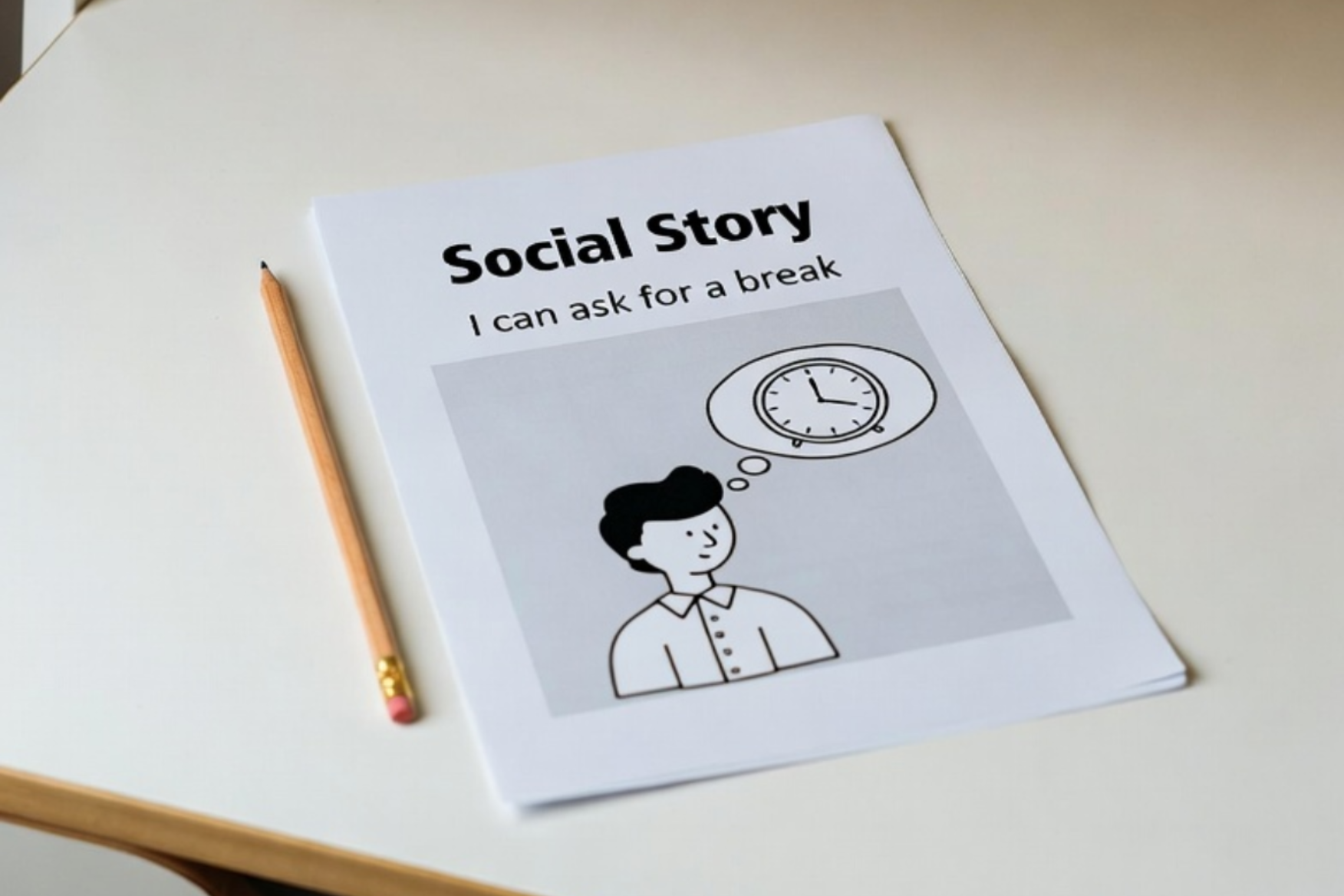
Scopri perché il linguaggio descrittivo nelle storie sociali aiuta bambini autistici e ADHD a ridurre ansia, comprendere le situazioni e sviluppare autonomia.

Come adattare le storie sociali agli adolescenti autistici: linguaggio adeguato, autonomia, regolazione emotiva ed esempi pratici per scuola e vita quotidiana.

L’intelligenza artificiale può davvero personalizzare una storia sociale? Analisi pratica di vantaggi, limiti e uso consapevole per insegnanti, educatori e terapisti.

Template, app, software e generatori AI per storie sociali: quali scegliere davvero? Scopri vantaggi, limiti e criteri pratici per usare la tecnologia senza perdere personalizzazione educativa.

L’intelligenza artificiale può aiutare a creare storie sociali? Scopri cosa può fare davvero, quali sono i limiti e come utilizzare strumenti AI in modo etico nella pratica educativa.

Come affrontare una crisi comportamentale a scuola in modo efficace: prevenzione, gestione durante l’episodio e analisi successiva. Guida pratica per insegnanti di sostegno, educatori e professionisti.

Scopri come creare e utilizzare storie sociali a scuola senza sovraccaricarti: osservazione strutturata, archivio interno, lavoro di team e strumenti digitali per insegnanti di sostegno ed educatori.